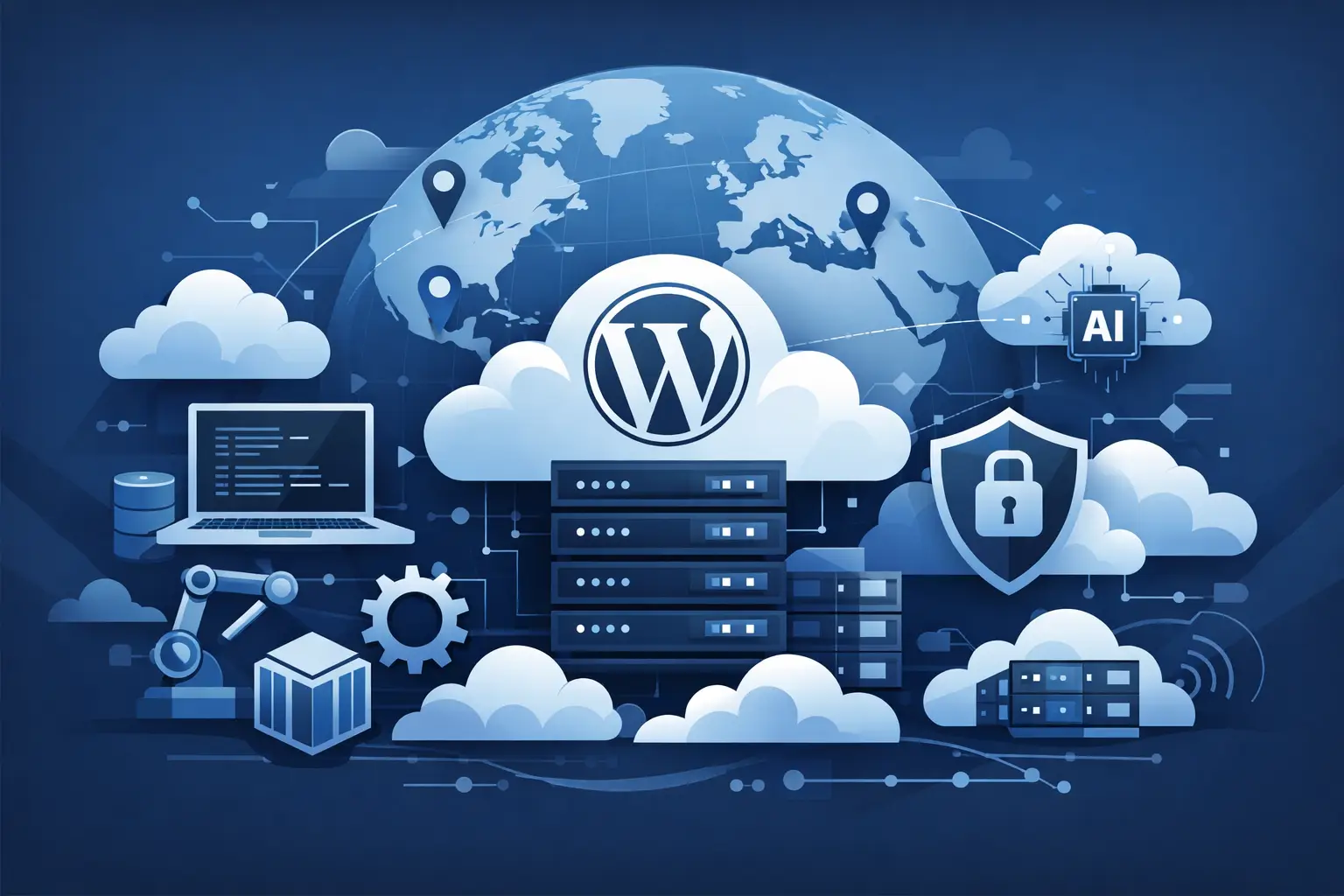
A WordPress site that feels fast in Virginia can feel sluggish in Singapore, Sao Paulo, or Frankfurt. That gap is exactly why teams ask how to host WordPress globally – not just how to get it online, but how to make it perform well for users in multiple regions without turning infrastructure into a full-time project.
If your audience is spread across countries, global WordPress hosting is really a systems problem. You need to think about server location, DNS routing, caching layers, media delivery, database behavior, and security at the same time. The good news is that you do not need a hyperscale setup to get most of the benefit. You need the right architecture for your traffic pattern.
What global WordPress hosting actually means
Hosting WordPress globally does not always mean running full active servers in every country. For most teams, it means choosing infrastructure that reduces latency for international visitors while keeping operations simple enough to manage.
That usually starts with a primary hosting region close to your core application logic or largest audience. From there, you extend reach with a CDN for static assets, Anycast DNS for faster resolution, and caching that reduces the number of requests that need to hit the origin server at all.
For content-heavy WordPress sites, this model works well because a large share of page assets can be cached close to users. For WooCommerce, membership sites, and apps with dynamic sessions, it gets more nuanced. Dynamic traffic still depends heavily on your origin region, database speed, and how much of the page can be cached safely.
Start with your audience, not the server plan
Before you choose regions or products, map your real traffic. Look at where visitors come from, where customers convert, and where your editorial or technical team operates. A site with 70 percent of traffic in North America and Europe needs a different setup than a brand split evenly between Asia, Europe, and South America.
This is where many teams overbuild. They assume global traffic means multi-region everything from day one. In practice, one well-placed origin plus strong edge delivery often beats a more complex deployment that is harder to debug and maintain.
If you have one dominant market, place your origin there or near it. If you have two major markets on different continents, choose the region that best supports the more latency-sensitive workflows, then use edge services to close the gap for everyone else. If your business depends on low-latency logged-in interactions worldwide, then a more distributed architecture may be worth the added complexity.
How to host WordPress globally with the right origin region
The origin server still matters, even when you add a CDN. WordPress generates dynamic pages, talks to a database, runs plugins, and handles admin requests from the origin. If that origin is too far from your most valuable users, they will feel it.
When picking a region, prioritize three things: proximity to your most important users, quality of the underlying network, and consistency of storage performance. NVMe-backed infrastructure and redundant networking matter because WordPress performance is not only about CPU. It is also about how quickly PHP workers, database queries, and cached files respond under load.
For example, if you run a startup SaaS marketing site with global readership but your conversions happen mainly in the US, hosting the origin in a strong US region is often the practical choice. If you are serving customers across Western Europe, a central European region can provide balanced latency. If your editorial team and audience are concentrated in Asia-Pacific, put the origin closer to that market instead of defaulting to the US.
Use a CDN aggressively, but know its limits
A CDN is one of the fastest wins in global WordPress delivery. It moves static assets like images, CSS, JavaScript, and fonts closer to users. In many cases, it can also cache full HTML for anonymous visitors, which cuts origin load and improves international response times.
That said, a CDN does not fix everything. Logged-in sessions, cart pages, account dashboards, and uncached API responses still depend on the origin. If your WordPress site is mostly public content, CDN caching can do a lot of heavy lifting. If your site is highly dynamic, the CDN still helps, but you need to optimize the application layer too.
The best results come from treating the CDN as part of the architecture, not an afterthought. Configure cache rules intentionally. Separate static and dynamic paths. Make sure image optimization, compression, and browser caching are working together instead of fighting each other.
DNS is part of performance
People often focus on servers and forget DNS. But slow DNS resolution adds delay before the browser even starts loading the page. For a global audience, Anycast DNS helps by answering queries from geographically distributed points of presence, which reduces lookup time and improves resilience.
This becomes more valuable as your audience spreads across continents. A good DNS layer also gives you better operational flexibility. You can shift traffic, fail over services, and manage records faster without introducing unnecessary complexity.
Caching strategy matters more than most plugin stacks
If you want WordPress to perform globally, spend less time collecting performance plugins and more time building a sane caching strategy. Full-page cache, object cache, PHP tuning, and database optimization will usually outperform a bloated stack of overlapping add-ons.
For brochure sites, blogs, documentation hubs, and media sites, full-page caching should do most of the work. For stores and membership products, cache everything you safely can, then isolate the dynamic pieces. Fragmented caching or edge logic can help, but there is always a trade-off between speed and application complexity.
Be selective with plugins. Every plugin adds code paths, queries, and maintenance risk. A globally fast WordPress site is usually a disciplined one.
Security can slow you down or stabilize you
Global hosting changes your threat surface. As your audience expands, so does the background noise of bots, abusive traffic, credential stuffing, and opportunistic attacks. If your security layer is poorly designed, it adds latency or blocks legitimate traffic. If it is well designed, it protects the origin and keeps performance predictable.
This is where DDoS protection, a cloud firewall, and edge filtering become operational tools, not just security features. They reduce junk traffic before it reaches WordPress, which helps preserve CPU, memory, and database capacity for real users.
For teams that want practical control without enterprise overhead, a platform like LetsCloud fits this model well because it combines globally available infrastructure, DNS AnyCast, CDN, WordPress hosting, and API-driven management in a way that keeps deployment and operations straightforward.
When you should consider multi-region WordPress
Most sites do not need active-active WordPress across multiple regions. It sounds attractive, but WordPress was not designed as a globally distributed application by default. Database replication, media synchronization, session handling, cache invalidation, and plugin behavior all get more complicated fast.
Multi-region makes sense when downtime is very expensive, when you have large user bases on multiple continents, or when application behavior demands lower latency than a single origin can realistically provide. Even then, the architecture may involve splitting services rather than duplicating the entire WordPress stack.
For many technical teams, the better path is to start with one strong origin, edge caching, global DNS, and solid observability. If traffic, revenue, or latency requirements justify it later, then evolve toward a more distributed design.
Operational simplicity is a feature
The best answer to how to host WordPress globally is not the most complicated answer. It is the one your team can deploy, monitor, secure, and scale without friction.
That means choosing infrastructure with clear regional options, transparent pricing, fast provisioning, and automation support. If you can manage servers through a dashboard and REST API, standardize deployments, and integrate repeatable operational tasks into your workflow, global hosting becomes much easier to sustain.
This is especially relevant for startups and small DevOps teams. You do not need cloud sprawl. You need predictable building blocks that let you place WordPress in the right region, protect it at the edge, and scale when traffic grows.
A practical setup for most teams
For most WordPress sites with international visitors, the winning setup looks like this: one high-performance origin in your most important region, a CDN for static assets and cacheable pages, Anycast DNS, a firewall and DDoS layer, and disciplined WordPress optimization. Add monitoring so you can track regional latency, cache hit rates, origin load, and slow queries.
If your site includes WooCommerce or logged-in experiences, test from multiple geographies before you expand architecture. You may find that database tuning, better caching rules, or moving the origin to a more central region gives you a bigger return than launching a second region.
Global performance is not about checking a box that says worldwide. It is about reducing distance where it matters, caching what can be cached, protecting the origin, and keeping the system simple enough to operate well. If you build from that mindset, WordPress can serve a global audience without becoming a global headache.