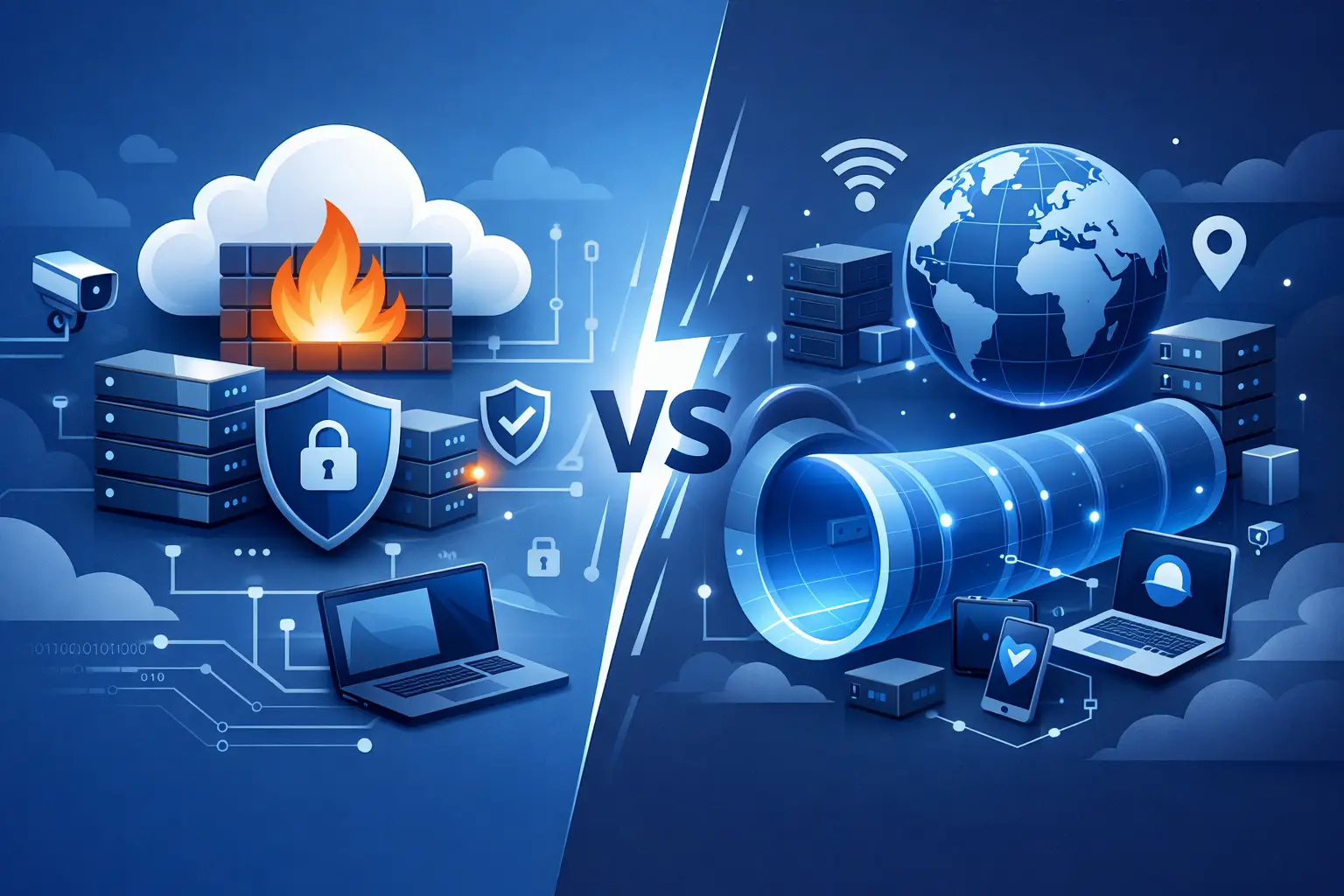
A surprising number of infrastructure problems start with the wrong security layer. Teams roll out a VPN when they really need traffic filtering, or they add a cloud firewall and assume remote admin access is now secure. If you’re comparing cloud firewall vs VPN, the key is simple: they solve different problems, and using one in place of the other creates gaps.
A cloud firewall controls what traffic can reach your servers and services. A VPN creates a private, encrypted connection between users, devices, or networks. Those functions can overlap at the edges, but they are not interchangeable. For developers, DevOps teams, agencies, and startup operators, that distinction matters because it affects performance, access control, and how much operational overhead you carry.
Cloud firewall vs VPN: the core difference
Think in terms of exposure versus access. A cloud firewall is about controlling exposure. It decides which ports, protocols, IP ranges, or traffic patterns are allowed to hit your cloud resources. If you want to block unauthorized inbound traffic to an app server, database, or admin panel, that is a firewall job.
A VPN is about access. It creates a trusted path into a private environment. If your team needs to reach internal services, connect to staging systems, or manage infrastructure without exposing admin ports to the public internet, that is a VPN job.
This is why the question is not usually which one is better. The better question is what you are trying to protect and who needs to reach it.
What a cloud firewall actually does
A cloud firewall sits at the network perimeter of your cloud environment or in front of specific resources. It enforces rules based on source IP, destination port, protocol, and sometimes application-level behavior depending on the implementation.
In practical terms, it lets you do things like allow HTTP and HTTPS to a web server, block SSH from the public internet, permit database access only from your application subnet, or restrict an admin panel to a fixed office IP. That reduces the attack surface without changing how authorized users connect to the rest of the internet.
For public-facing workloads, this matters a lot. Web apps, APIs, WordPress deployments, and SaaS platforms usually need selective public access. You want customers reaching port 443, but you do not want random traffic probing every service on the box. A cloud firewall is built for exactly that.
It is also operationally clean. Rules can be managed centrally, updated quickly, and aligned with deployment workflows. In a cloud environment, that makes firewalling much easier to scale than relying on ad hoc host-level settings across multiple instances.
What a VPN actually does
A VPN encrypts traffic between an endpoint and a trusted network. That endpoint might be a developer laptop, an employee device, a branch office, or another cloud environment. Once connected, the user or system can access internal resources as if it were inside the private network, depending on the routing and permissions you configure.
That makes VPNs useful for remote administration, private dashboards, internal APIs, databases, and cross-network communication. If your app has a backend admin tool that should never be internet-facing, putting it behind a VPN is often the right move.
VPNs are also useful when you need secure access over untrusted networks. A developer working from a hotel Wi-Fi connection can connect back to the infrastructure through an encrypted tunnel instead of exposing sensitive management traffic directly.
The trade-off is complexity. VPNs introduce client configuration, credential management, route planning, and support overhead. They are powerful, but they are not always the simplest answer for every access scenario.
When a cloud firewall is the right choice
If your workload is public by design, start with a cloud firewall. Most production websites and APIs fall into this category. You need the service reachable by users, but only on the ports and protocols that make sense.
A cloud firewall is usually the right first control when you are protecting public web traffic, restricting admin ports, segmenting environments, or reducing lateral exposure between services. It is especially useful for teams that need fast deployment and clear, repeatable rules. You can define the allowed paths, keep the rest closed, and avoid exposing internal services that were never meant for public access.
It is also a better fit when end users are not technical. Customers should not need VPN clients to load a site or consume an API. If the service is meant to be public, the network edge should be secured with firewall rules, not hidden behind a private tunnel.
When a VPN is the right choice
A VPN is the better option when access itself must be private. Admin dashboards, staging environments, internal tools, and database consoles often do not need to be public at all. Instead of publishing them and trying to tightly restrict traffic, you can keep them off the public internet and require a VPN connection.
This model works well for internal operations. Developers can connect when needed, complete their work, then disconnect. The service stays private the entire time. For agencies managing client environments or DevOps teams handling infrastructure across multiple locations, that can be much cleaner than exposing management interfaces with IP allowlists that change constantly.
A VPN also makes sense for private site-to-site communication, such as linking office systems to cloud workloads or connecting separate environments securely.
Cloud firewall vs VPN for common real-world setups
If you run a SaaS application, the frontend and API usually belong behind a cloud firewall with only necessary ports open. The database should stay private, ideally limited to internal network paths or trusted sources. Your admin panel might be protected by both application authentication and firewall restrictions, but if it is sensitive enough, placing it behind a VPN is even better.
If you manage WordPress or client sites, the public site needs firewall protection, while SSH, database tools, and staging environments may be better kept behind a VPN or tightly restricted access rules. That gives you public availability without making backend systems easy targets.
If you operate a test lab or internal development environment, a VPN is often the cleaner default. Many of those resources do not need public exposure at all. A firewall still matters, but mainly as a second control layer rather than the primary access model.
Why one does not replace the other
A firewall does not encrypt user traffic from a remote laptop into your network. A VPN does not inspect and filter all inbound internet traffic to your public application in the same way a firewall does. That is why choosing one instead of the other can create a blind spot.
For example, putting your admin SSH port behind a firewall with a narrow IP allowlist can work, but it still leaves the service publicly reachable from those addresses. Requiring VPN access instead removes that exposure. On the other side, using a VPN for all access to a public customer-facing application would make the product unusable for normal users.
Security architecture gets cleaner when each control handles its own job. Firewalls reduce unnecessary exposure. VPNs provide private access. Together, they support a safer and more maintainable environment.
Performance and operational trade-offs
Cloud firewalls usually add very little friction for users because they work transparently at the network edge. They are efficient for broad policy enforcement and easy to align with infrastructure automation.
VPNs can add latency overhead from encryption and tunnel routing, though the real-world impact depends on setup and geography. More importantly, they add operational work. Devices need provisioning, access needs revocation, credentials need rotation, and onboarding has to be documented clearly.
That does not make VPNs a bad choice. It just means they should protect systems that justify the added control. For highly sensitive internal services, the trade-off is worth it. For public applications, it usually is not.
The practical answer for most teams
For most cloud environments, the right answer is not cloud firewall vs VPN as an either-or decision. It is cloud firewall for internet-facing services, plus VPN for private administrative or internal access.
That model is practical, scalable, and easy to reason about. Public workloads stay available on the exact ports they need. Internal systems stay private. Teams get cleaner separation between customer traffic and operational access.
If you are deploying infrastructure on a platform that supports security controls at the cloud layer, start by mapping every service into one of two groups: public by design or private by design. Public services need carefully defined firewall rules. Private services should usually avoid public exposure entirely and rely on controlled access paths such as a VPN. Platforms such as LetsCloud make that approach easier to apply because security features can be managed as part of the deployment workflow instead of treated as an afterthought.
The best setup is the one your team can enforce consistently. If a service should be public, expose only what users need. If a service should be private, keep it private. That single decision prevents a lot of avoidable security debt.